Finding Friends Without Phone Numbers
by Tobias Müller
on
The Problem with Phone Numbers
Most messengers like Snapchat or WhatsApp rely on your phone number to find your friends. While this is convenient, it’s a privacy nightmare. Phone numbers can be used to track you across different services and analyze your entire social graph, knowing exactly who you talk to and how often. For instance, Snapchat mentions that they "may use your phone number to help personalize ads you see," which turns your private connections into a product for advertisers or third parties.
Our main goal with twonly is to create a secure alternative that respects your privacy. This means we don't want to collect your phone number. But we also know that if you can't find your friends, you won't use the app. These challenges are currently being addressed as part of my master thesis, and this blog post together with the newest app release represents the very first public iteration of our proposed solution. We would love to hear your thoughts and get your feedback to improve it even futher.
Feedback and Thoughts
As this is the first public iteration of these features, we are eager to hear from you. If you would like to help us improve, you can share your experience by participating in our User Study directly within the app under Settings > Help > User Study. You can also reach out to us directly in the app or via email at feedback@twonly.eu.
Finding friends with usernames
If we aren't using phone numbers, we need a different way to connect. While tech-savvy users might be comfortable exchanging long cryptographic keys, most people just want to find their friends easily. Usernames are a natural alternative, but they come with their own risks: a simple typo could mean connecting with the wrong person, and malicious users could easily impersonate someone you know. To prevent this, verification is critical and could also help to prevent phishing attacks where scammers impersonate the “Support” or other trusted sources, as Signal has recently warned. To solve this, twonly requires you to manually approve all new connections. Even if approved, if a user wasn't verified manually via the QR code, they are marked with a red verification badge to warn you of potential risks. Once you’ve confirmed their identity, the contact will get a green verification badge.
You might recognize the verification badge from platforms like Instagram. On twonly, it works similarly but with a twist: you verify each other. When you meet a friend in person, you can scan their QR code to confirm their identity.
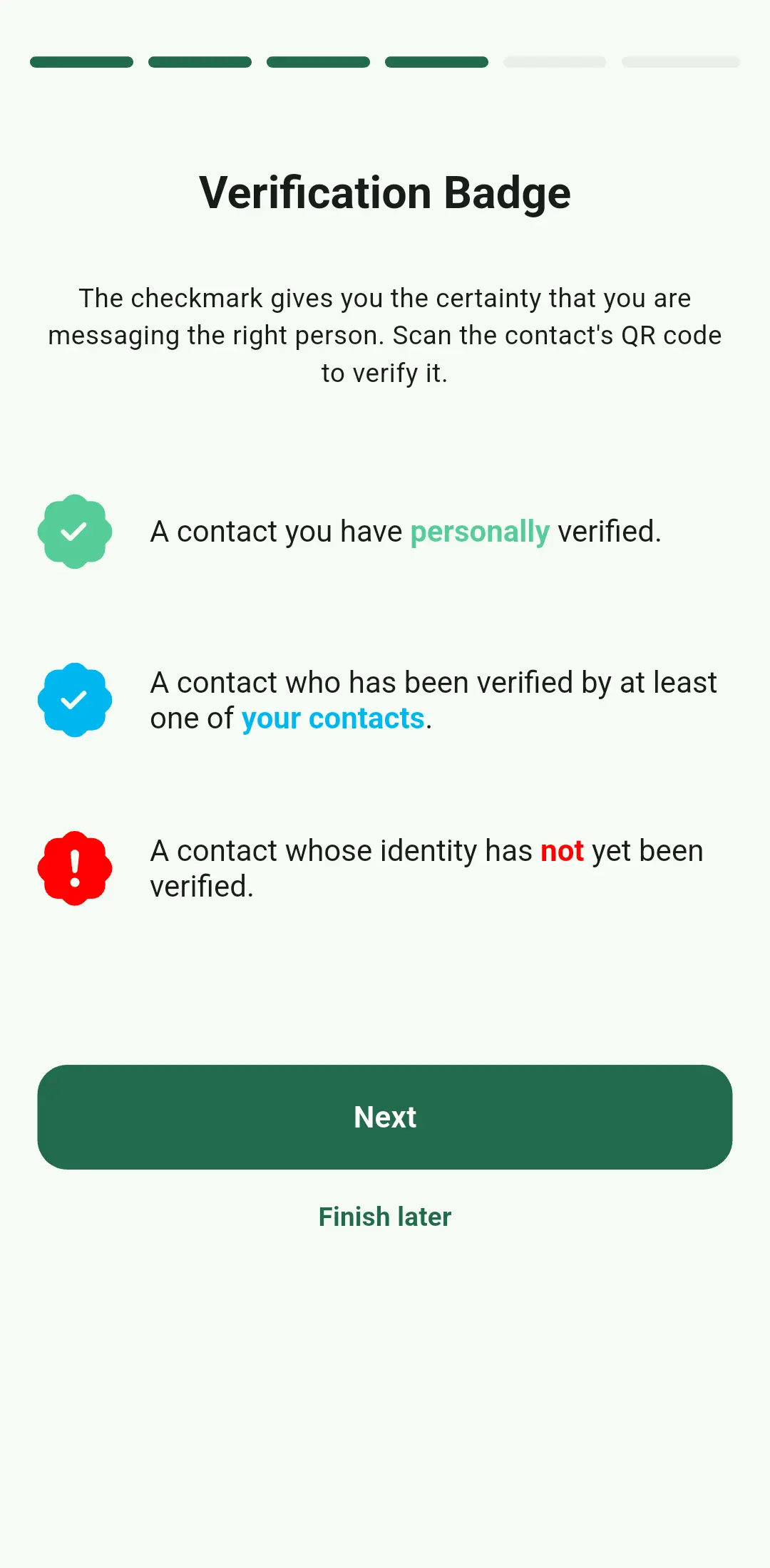
The verification badge introduction
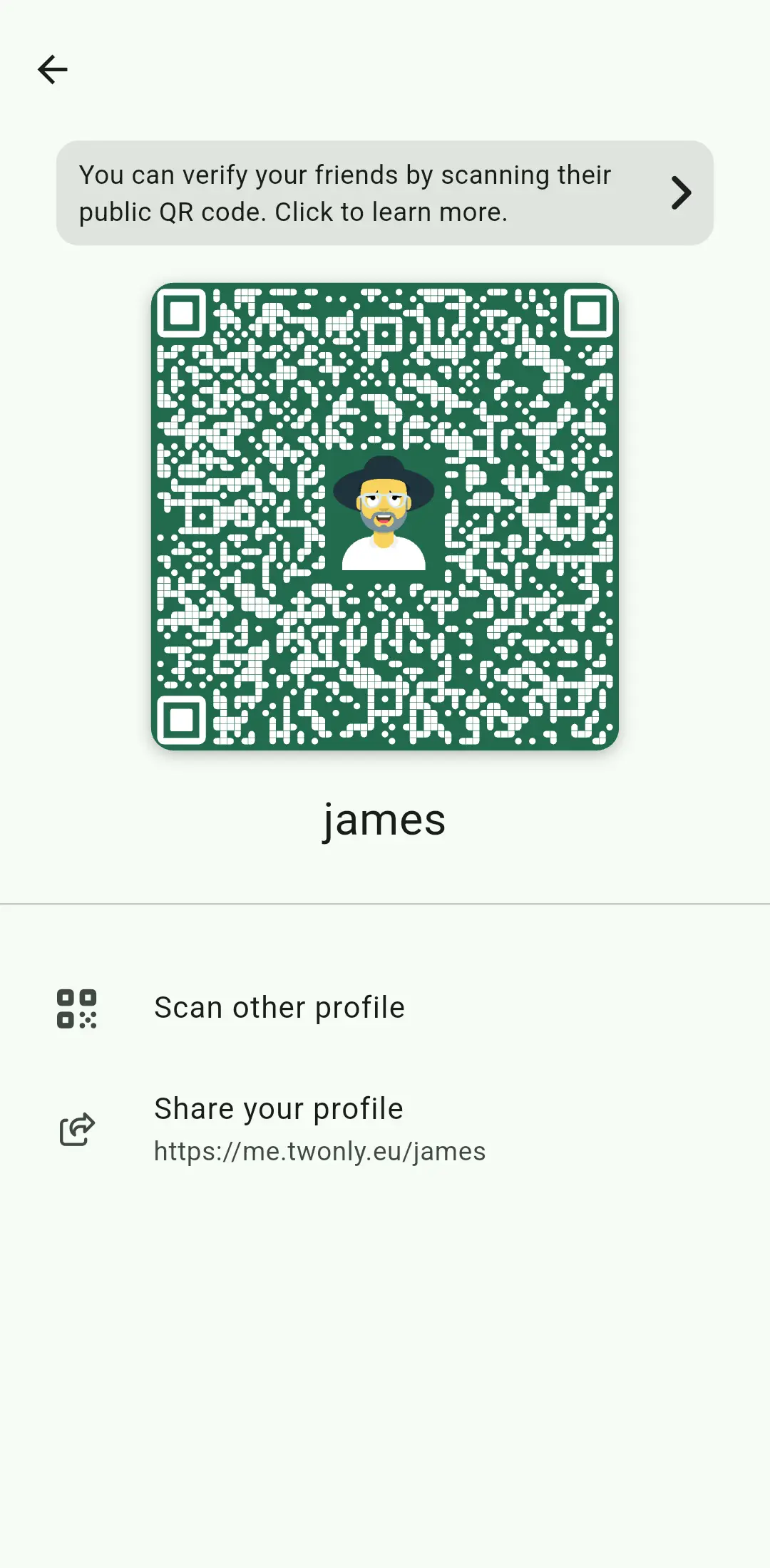
Scanning the identity QR code
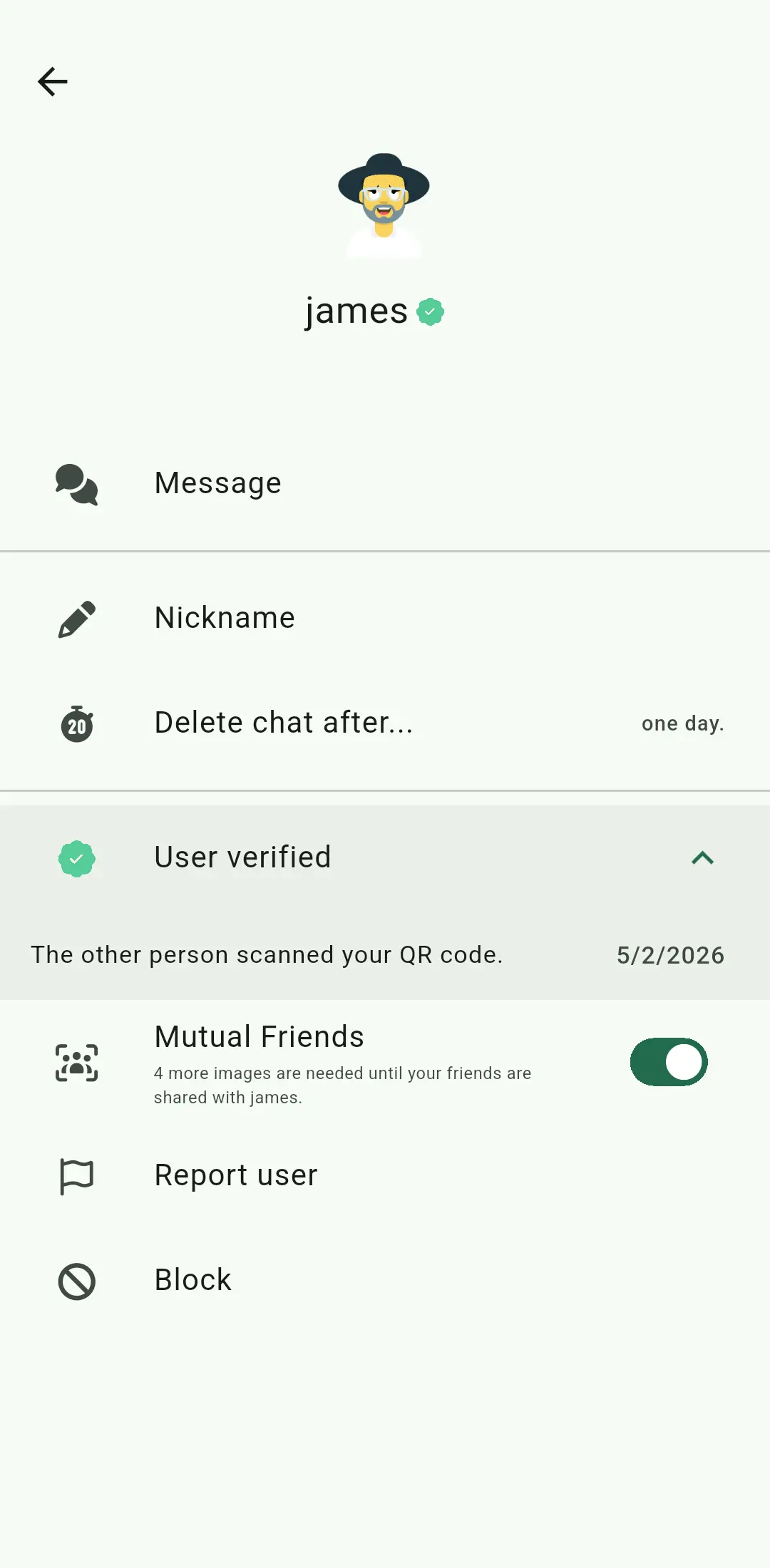
Automatic notification of being scanned
Once verified, that verification badge appears next to their name. It’s a simple visual way to know your connection is secure and authentic.
Instant One-Way Verification
Scanning a QR code shouldn't just be a one way street. In many apps, both people have to scan each other to be fully "verified." We've simplified this. Now, when you scan a friend's code, twonly automatically notifies them and marks the connection as verified on both devices instantly. This also happens automatically whenever you connect with a new contact via the QR code, making the process much more intuitive. Read more about the technique used in the technical breakdown.
Mutual Friends
If you don't want to use phone numbers, how do you find people? The answer lies in sharing friends and beeing shared by your friends. We call this feature "Mutual Friends."
The idea is simple: if you and I are friends, and I am also friends with someone else, twonly can help you two find each other. This happens without a central server ever knowing who your friends are. All messages exchanged for this feature are protected using the Signal protocol.
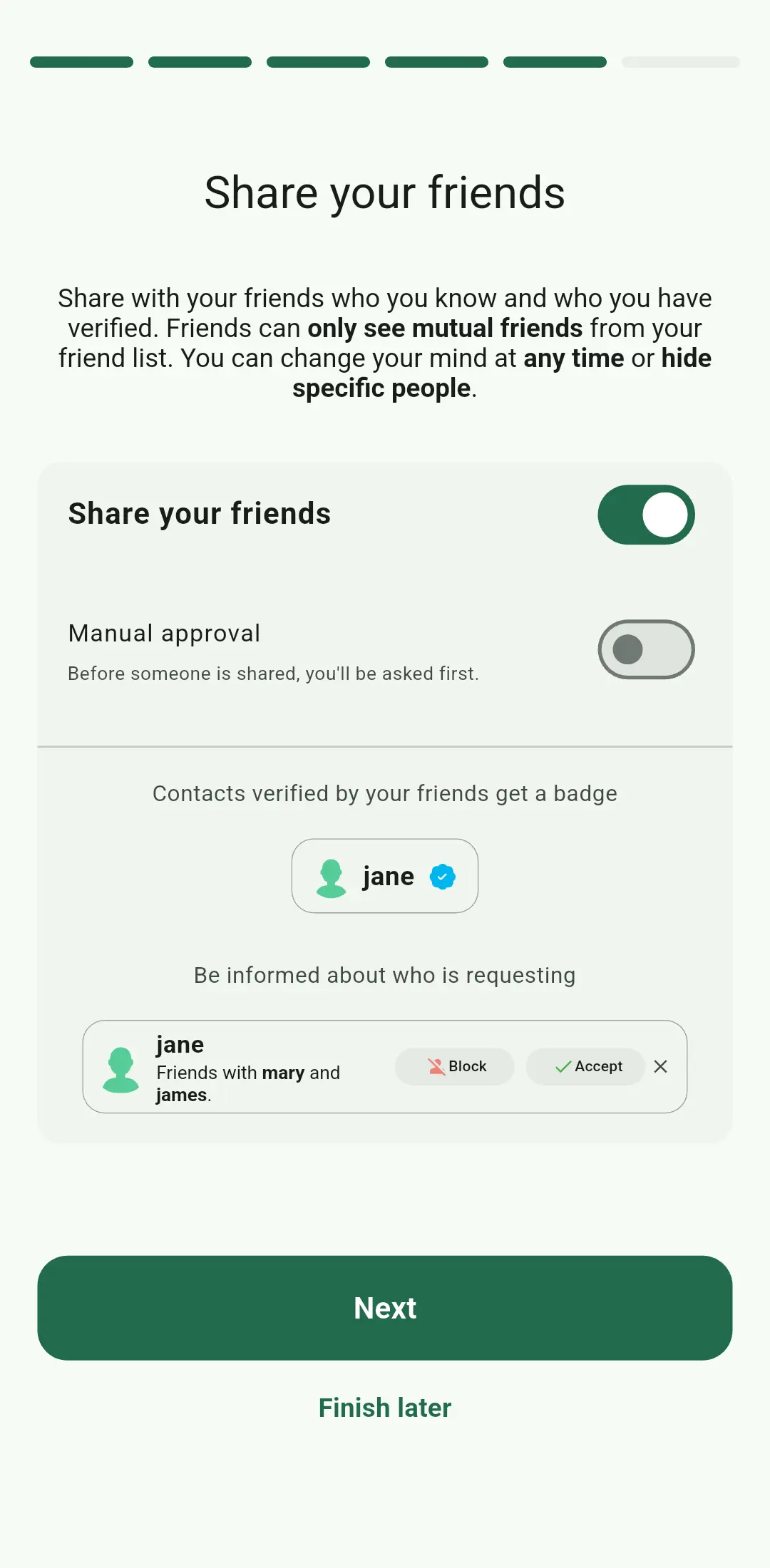
Choosing to share friends for authenticity
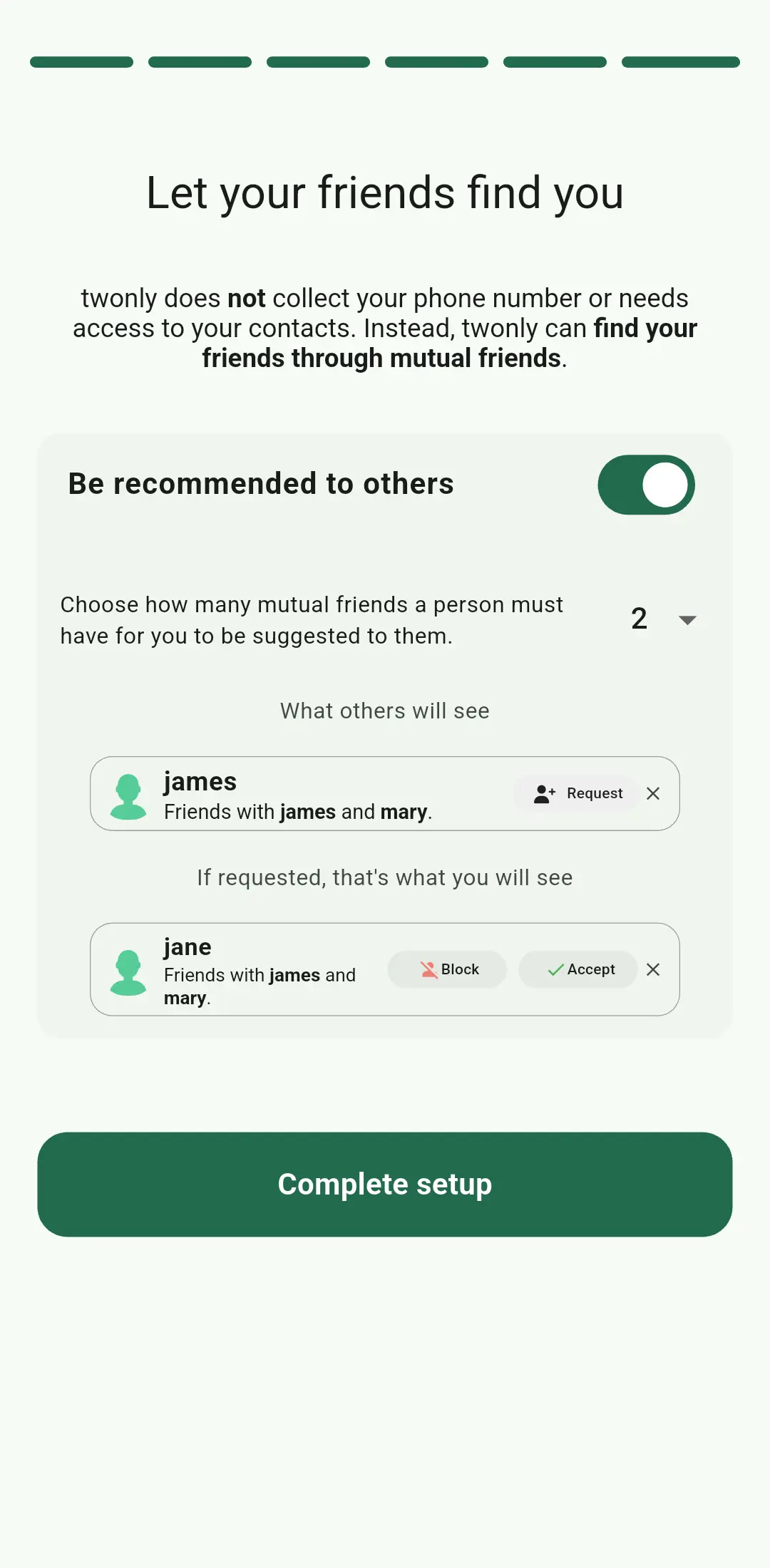
Choosing if you are announced to mutual friends
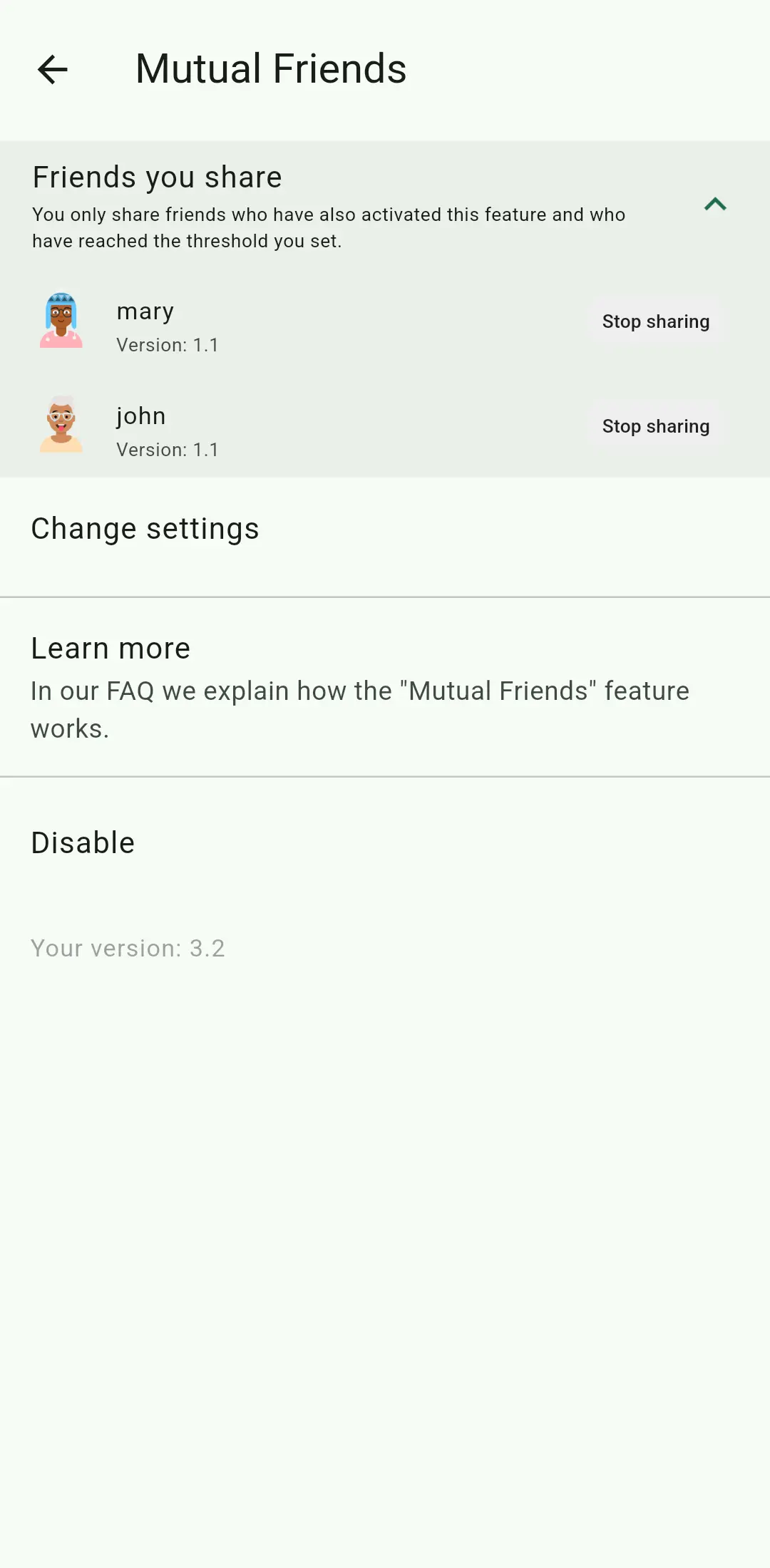
See who you share in the settings
Finding and Being Found
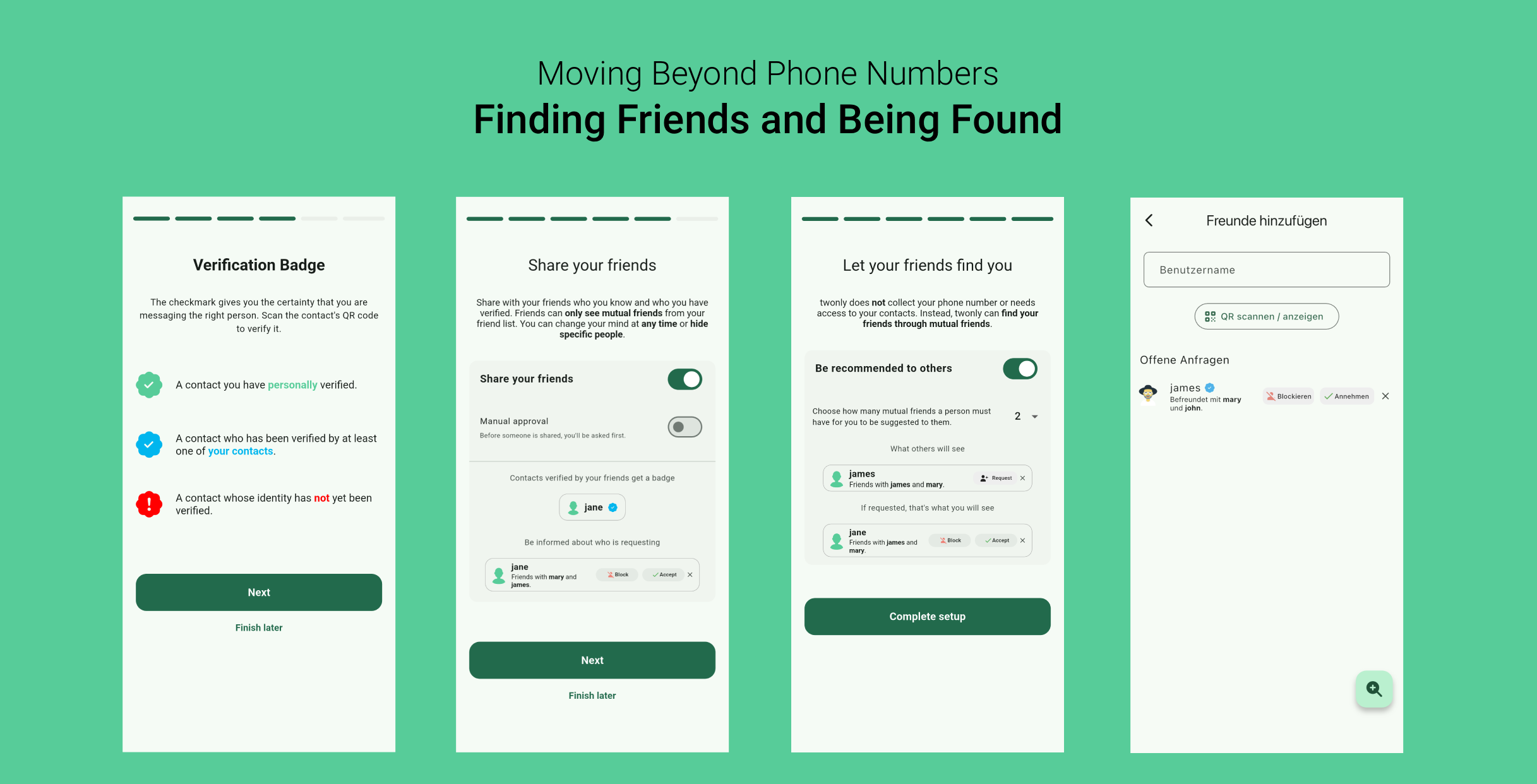
By sharing your verified contacts with your friends, you help build a network of trust. Instead of a random username popping up, you see exactly who the mutual friends are for each suggestion.
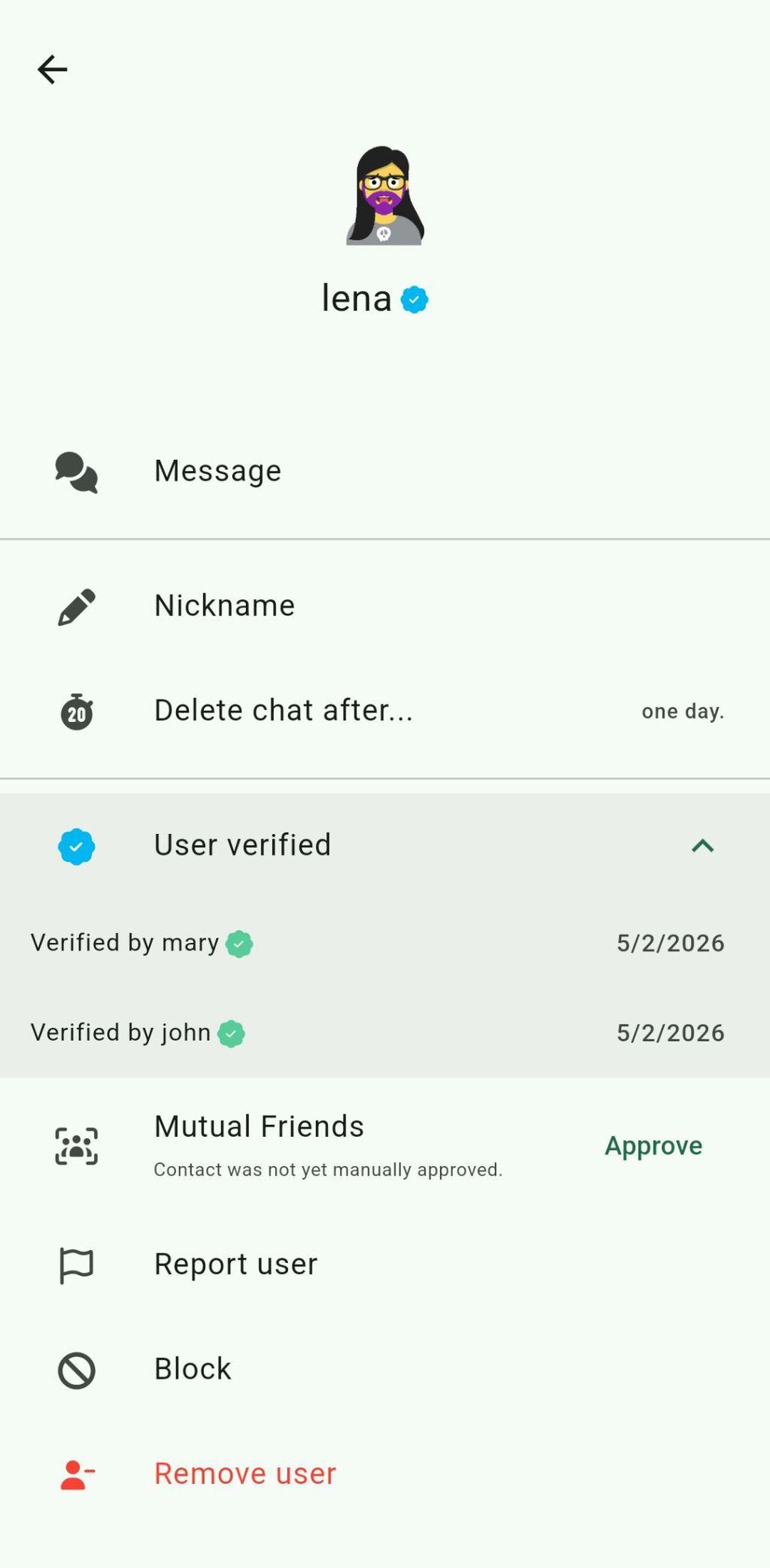
The blue verification badge in action
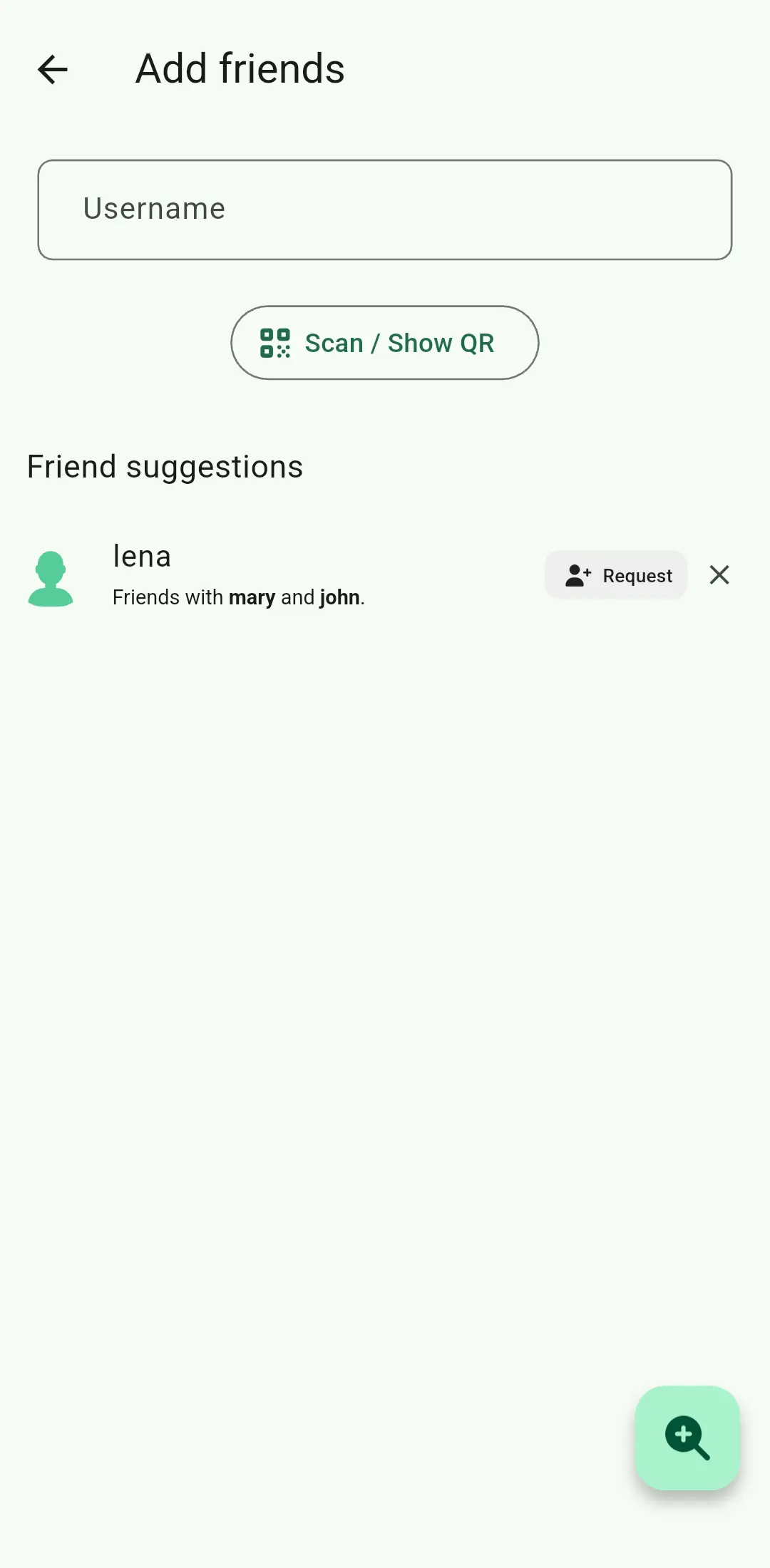
Suggestions based on mutual friends
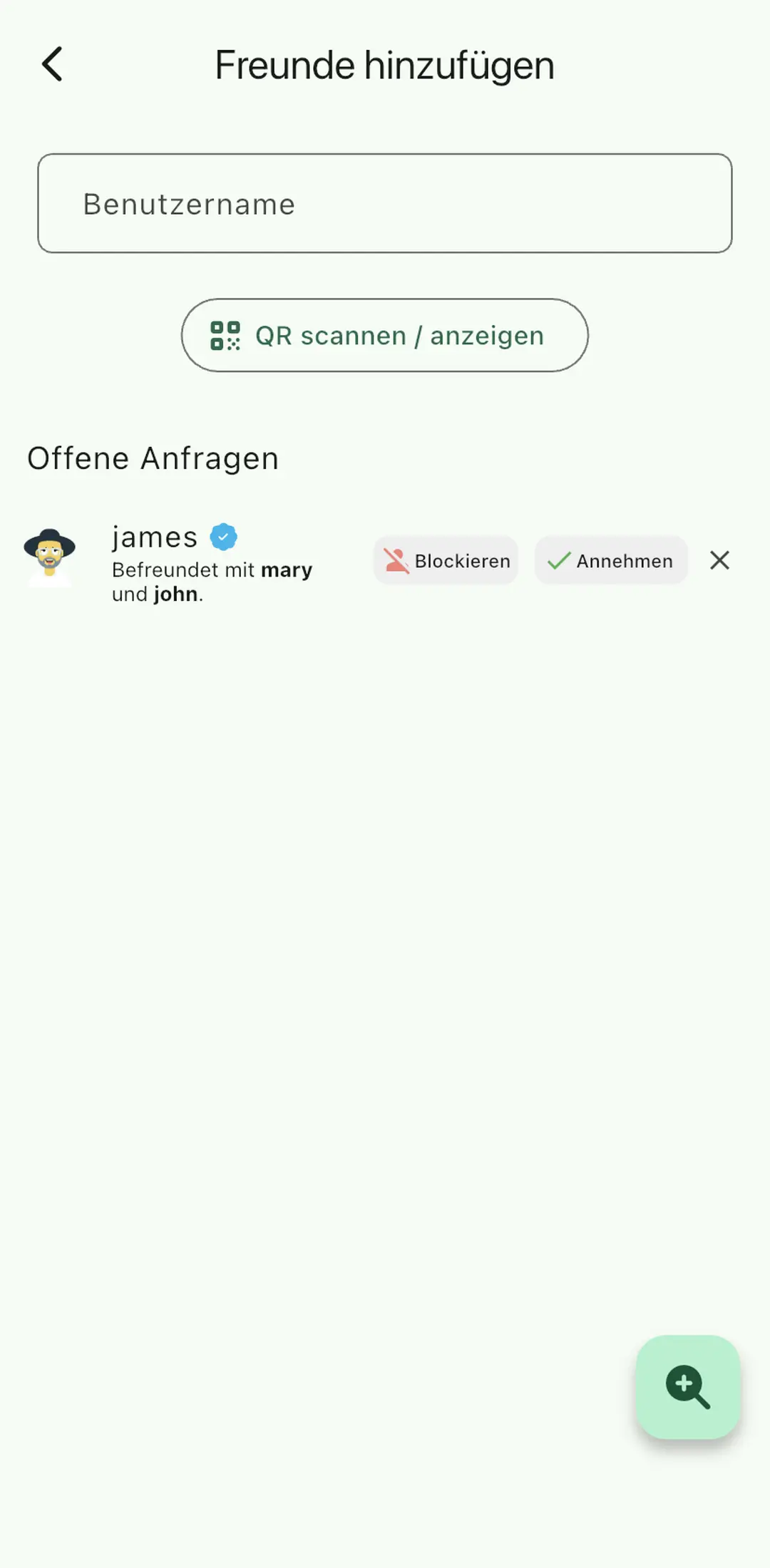
Reviewing open discovery requests
Control and Manual Approval
Privacy is about control. You can choose exactly who you want to share your friends with, and you can even require manual approval for each contact before they are shared with your friends.
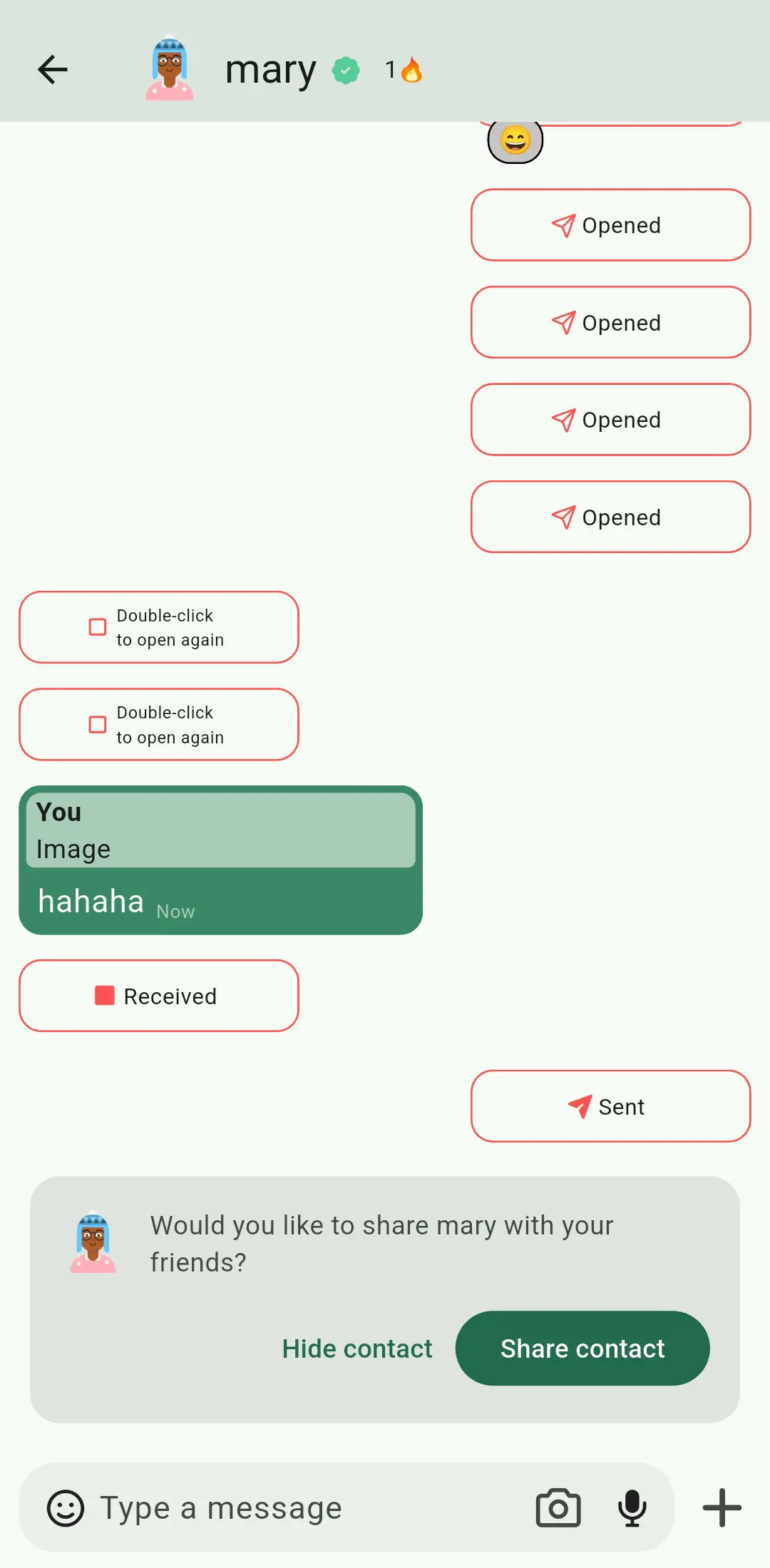
Manually approving contacts before they are shared
A Technical Breakdown
For the technically curious, here is how we achieve this without a central server or compromising your identity.
Mutual Friends via Secret Sharing
We use a technique called Shamir's Secret Sharing to protect your social graph. When you enable the feature, your Public Key and User ID are broken down into 255 unique "shares" with a threshold that you can specify. These shares are then distributed to your qualifying contacts, which you haven't excluded, have manually approved (if enabled), and with whom you've already exchanged at least four pictures.
Your friends then use these shares to promote your profile to their own connections. If a recipient (a friend of your friend) is already directly connected with you, their app can decrypt the share immediately, displaying the blue verification badge if your connection has been verified.
For those you aren't connected to yet, decryption is only possible once they've received enough shares from different mutual friends to meet your chosen threshold. For example, if you set the threshold to three, a person would need to have three mutual friends with you before they can decrypt your information and see you as a suggestion. This ensures you only become visible to people who have mutual friends. You can check out the implementation of this protocol in our source code.
Secure Verification Ceremony
To make one way QR scanning secure, we use a specialized notification protocol. When Alice shows Bob her QR code, it contains her public key and a secret token, valid for one day.
When Bob scans the code, his app uses that secret token as a cryptographic key to sign a "verification notification" using HMAC. This message is only sent if the public key from the QR code matches the stored public key. Since Bob has verified Alice's public key and uses his own private key, Alice can only decrypt this verification notification if she also has the correct public key from Bob, as otherwise they would have a different shared secret. Because the secret token is never shared directly in the message, an active man in the middle cannot forge this message, as he is unable to obtain the secret token. You can check out the implementation of this service in our source code.